A WARMER WELCOME
A place for every player.
Welcome messages and game-role choices help members find their people. Existing members can revisit onboarding without leaving your server.
Working in our communityAvailable now: guided server design, basic greetings, Premium layout creation and browser graphics. Streamer workflows, moderation, tickets, search, achievements, reminders and other modules shown below are being prepared for customer servers. Automatic Discord template links are not yet available.
A NEW REALM FOR YOUR DISCORD COMMUNITY
An AI Discord setup assistant for gaming communities. Describe your theme, refine suggested roles and channels, and get a clear plan. Start free, or let Premium create your approved layout.
Discord sign-in · Free guided setup · Premium automation
Free guided Discord setup, basic welcome messages, and step-by-step instructions. Search, achievements, Community Spotlight, reminders and timers are planned.
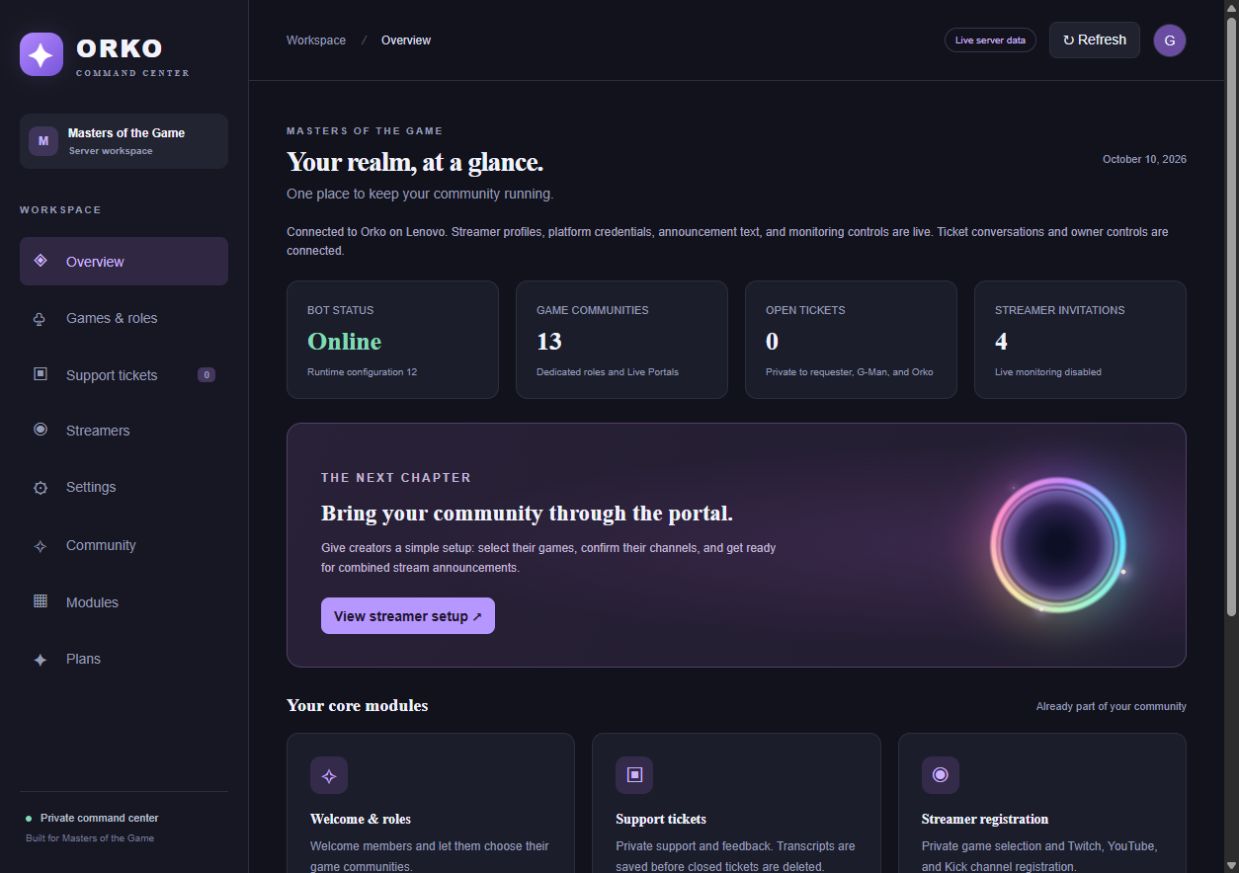
A REAL COMMAND CENTER
See what needs attention, find the right community, and get back to the people behind the usernames.
PREMIUM · BUILT FOR MULTI-PLATFORM CREATORS
Give streamers a place to sign up, choose their games, and connect public Twitch, YouTube, and Kick channel links. Orko brings those platforms together in one centralized Discord announcement—so your community gets the invitation without a separate promotional post for every platform.
Designed to reduce duplicate stream alerts, keep announcements in the right game’s Live Portal, and let viewers choose where they want to watch. Server administrators stay in control of which streamers receive announcements.
Explore Premium ↓Planned Premium customer module · Live broadcast verification pending
MAKE ROOM FOR THE GOOD STUFF
A WARMER WELCOME
Welcome messages and game-role choices help members find their people. Existing members can revisit onboarding without leaving your server.
Working in our communitySUPPORT WITH CONTEXT
Know which game or group a ticket came from. Read, reply, and close from the dashboard, with transcripts saved before the channel is removed.
Working in our communityMADE FOR CREATORS
Streamers select their games and paste public Twitch, YouTube, and Kick links. Channel validation checks the accounts without asking for streamer passwords.
Planned for customer serversONE STREAM. ONE INVITATION.
Combined announcements are designed to put platform links together in the right game’s Live Portal, with a clear game and stream title.
In development · Live broadcast verification pendingKEEP YOUR SERVER MOVING
Create community polls, preview styled embeds, and schedule announcements. Configure join and leave messages from the same workspace.
Working in our communityYOUR RULES, CLEARLY APPLIED
Manage Orko’s visitor safeguards and review moderation activity. Keep community roles and game moderation organized around your server.
Working in our community · Customer module planned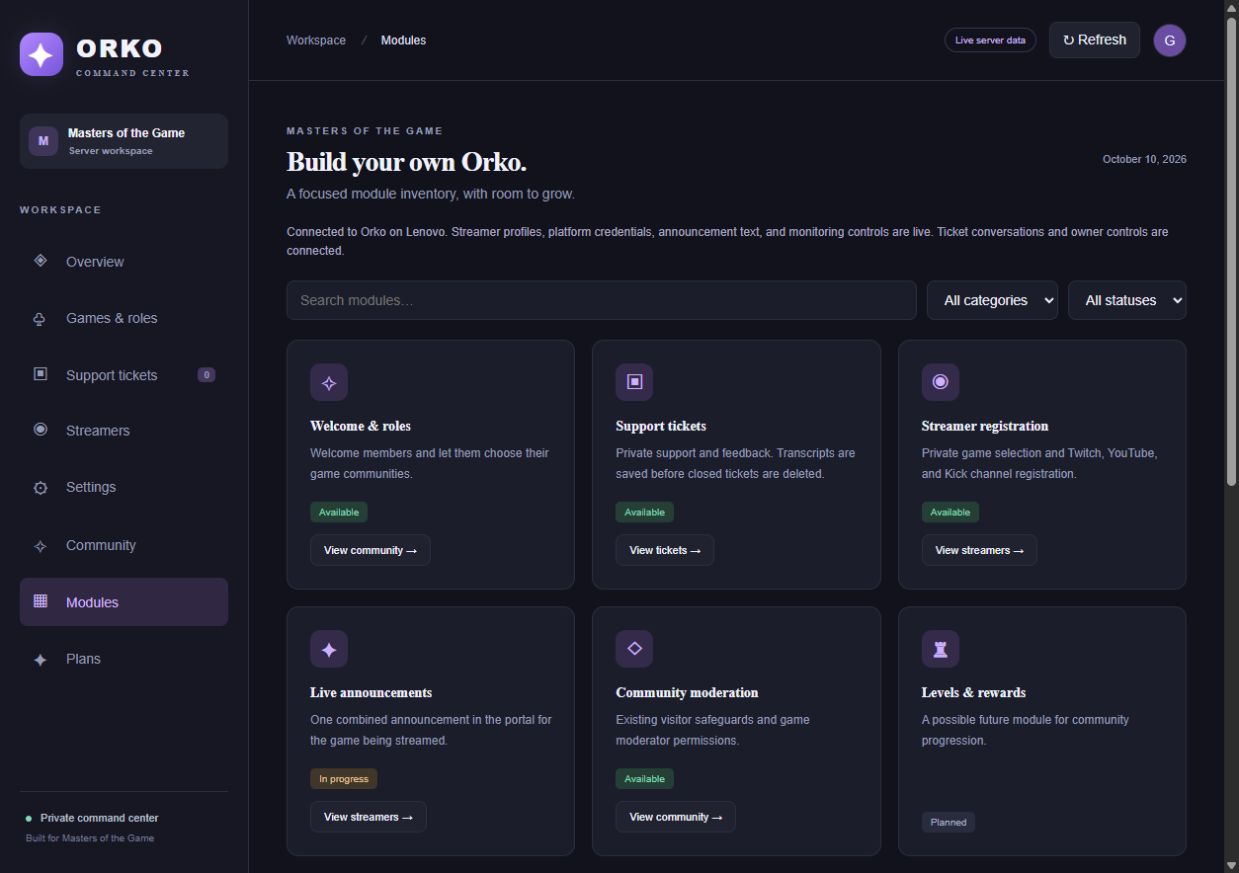
Premium starts with approved layout creation, ongoing setup help and browser graphics. Streamer and support modules are coming later for customer servers.
THE WAY IN
Start with Discord sign-in and a workspace you control.
Guided setup availableSign in with Discord and select a server you’re authorized to manage.
Choose your modules, welcome messages, game communities, and support flow.
Guide players and creators into the right roles, channels, and conversations.
ROOM TO START. ROOM TO GROW.
Choose a server with Discord sign-in. Premium is billed per server.
FREE
Essential community tools for your first steps.
PREMIUM
Or $8.99 monthly per server. Annual billing saves 54% compared with twelve monthly payments.
All other Orko features are planned for Premium. Free setup assistance ends on completion or when its 20-response allowance is used; saved instructions remain available. Availability and limits are shown as each feature launches. No lifetime plan is offered. Pricing shown is before any applicable tax.
BEFORE YOU STEP THROUGH
Yes. Continue with Discord, choose a server you own or administer, invite Orko, and open your workspace. Review the available features before subscribing.
No. Streamer registration uses public channel URLs. The service’s platform API connections are managed separately.
Yes. Your server has separate settings. Orko checks your Discord access before opening it. Premium creates approved new layout elements; existing content is preserved.
Customer workspaces and subscription setup come first. Levels, rewards, birthdays, giveaways, and additional social feeds are planned; they are not available today.
DISCORD SERVER SETUP MADE CLEARER
If you are comparing Discord bots or searching for a MEE6 alternative, start with the features your server needs today. OrkoBot focuses on AI-guided Discord server setup, themed roles and channels, basic welcome messages, and optional browser graphics. It is not a feature-for-feature replacement for MEE6.
Sign in with Discord and select a server you own or administer. Describe your game, community and theme. Orko suggests a layout for you to refine and review. Free provides manual instructions; Premium creates approved new roles, categories and text or voice channels.
A basic server greeting is included in Free. Free also includes up to 20 successful AI setup responses and a guide you can save as PDF. Ongoing AI assistance and automatic layout creation require Premium.
Premium can add the approved new layout while preserving existing roles and channels. Rules acceptance, assigning members, moderation powers and installing artwork require separate configuration. Orko shows these limits before approval.
OrkoBot is an independent product by Masters of the Game and is not affiliated with MEE6 or Discord.
Plan your Discord server with Orko ↗Discover what Orko can bring to your community. Have questions? Join Masters of the Game on Discord or email OrkoBot support.
Join our community on Discord ↗Email support ↗Prefer email? [email protected]
Explore the plans ↑Already have owner access? Log in ↗PLAN YOUR GAMING COMMUNITY
Yes. Describe your community, games and theme to get an AI-guided server layout. Review suggested categories, text channels, voice channels and roles before you decide what to create.
Free includes up to 20 successful AI setup responses, a saved design, manual setup instructions you can print or save as PDF, and a basic server greeting.
OrkoBot Premium can create approved new layout elements for a server you own or administer. Review the design and the required Discord permissions first. Existing roles and channels are preserved; member role assignment and rules acceptance require separate configuration.
Tickets and creator workflows shown on this page describe work in our own community or planned customer modules. They are not yet available as customer-server features. Review the current feature and pricing sections before choosing a plan.
Compare Free and Premium Discord setup · Check current feature availability · Sign in with Discord to plan your server